01
Overview
This project grew out of conversations with a mentor experienced in microlearning. On his recommendation I read What Works in Talent Development by Carla Torgerson and Sue Iannone (2020), and set out to build a microlearning course enhanced with gamification for stronger learner engagement.
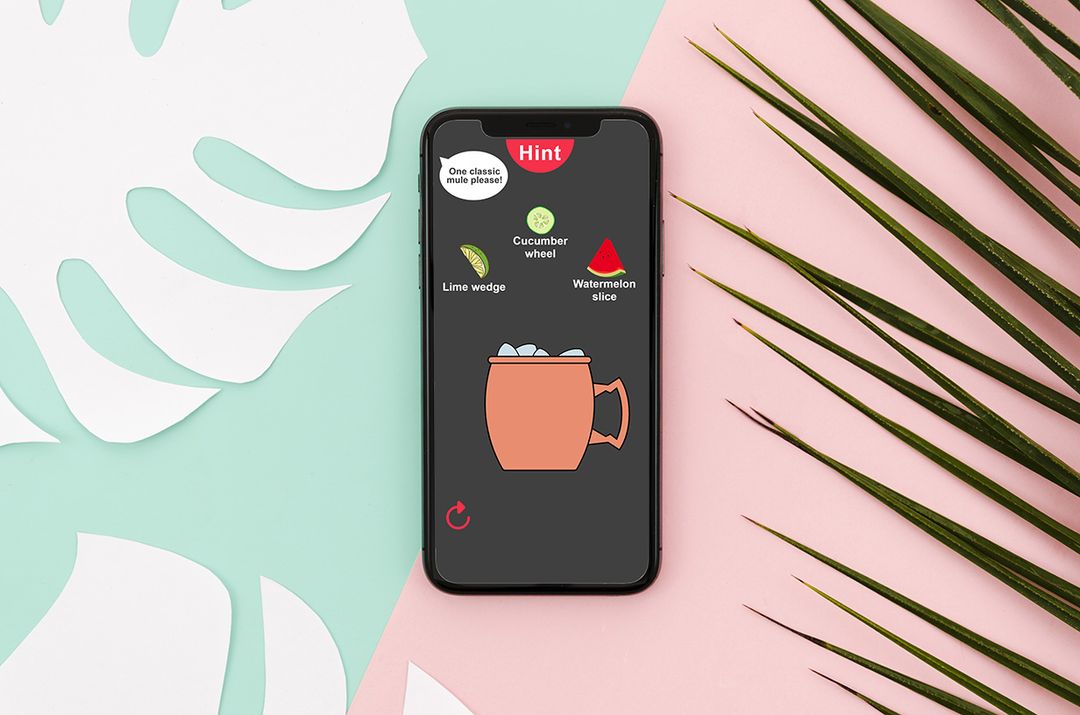
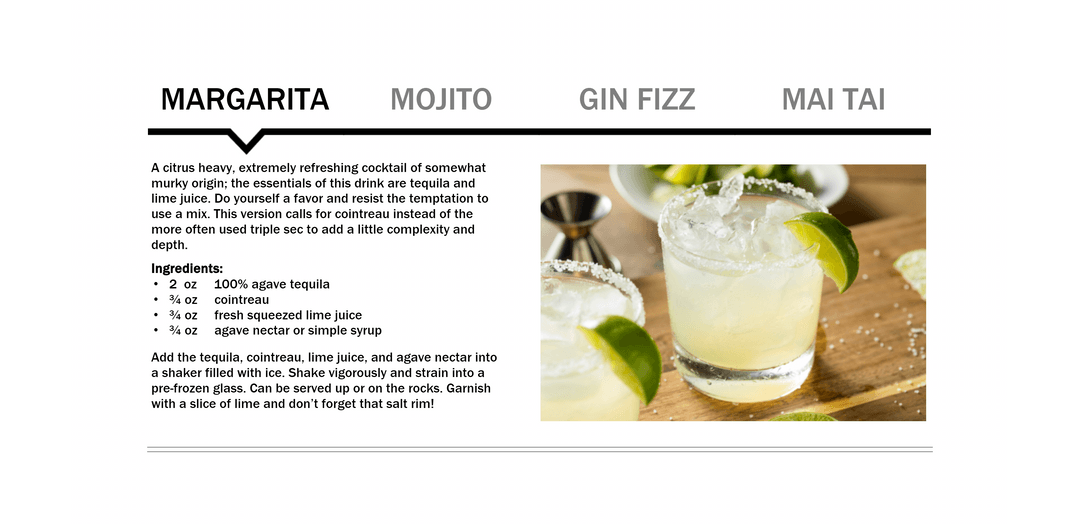
I translated my earlier work on a tabs interaction for cocktail recipes into this project. Research and consultations with SMEs revealed a common scenario: a catering firm quickly recruiting and training staff for seasonal needs. They aren't necessarily professional bartenders, but they can be trained quickly to make essential drinks.
After a short in-person training, this microlearning can go out by email as a follow-up that learners complete on their own time. I chose a mobile-friendly aspect ratio, since most learners would likely complete it on their phones. The gamification adds a fun twist, and an instructional designer could use an LMS to run a leaderboard for new hires and reward the top scorers.
02
Process
Catering companies often design cocktail menus with overlapping ingredients so they can transport supplies and serve guests efficiently. I needed three popular drinks that share common ingredients, and after some research settled on a margarita, a daiquiri and a mojito.
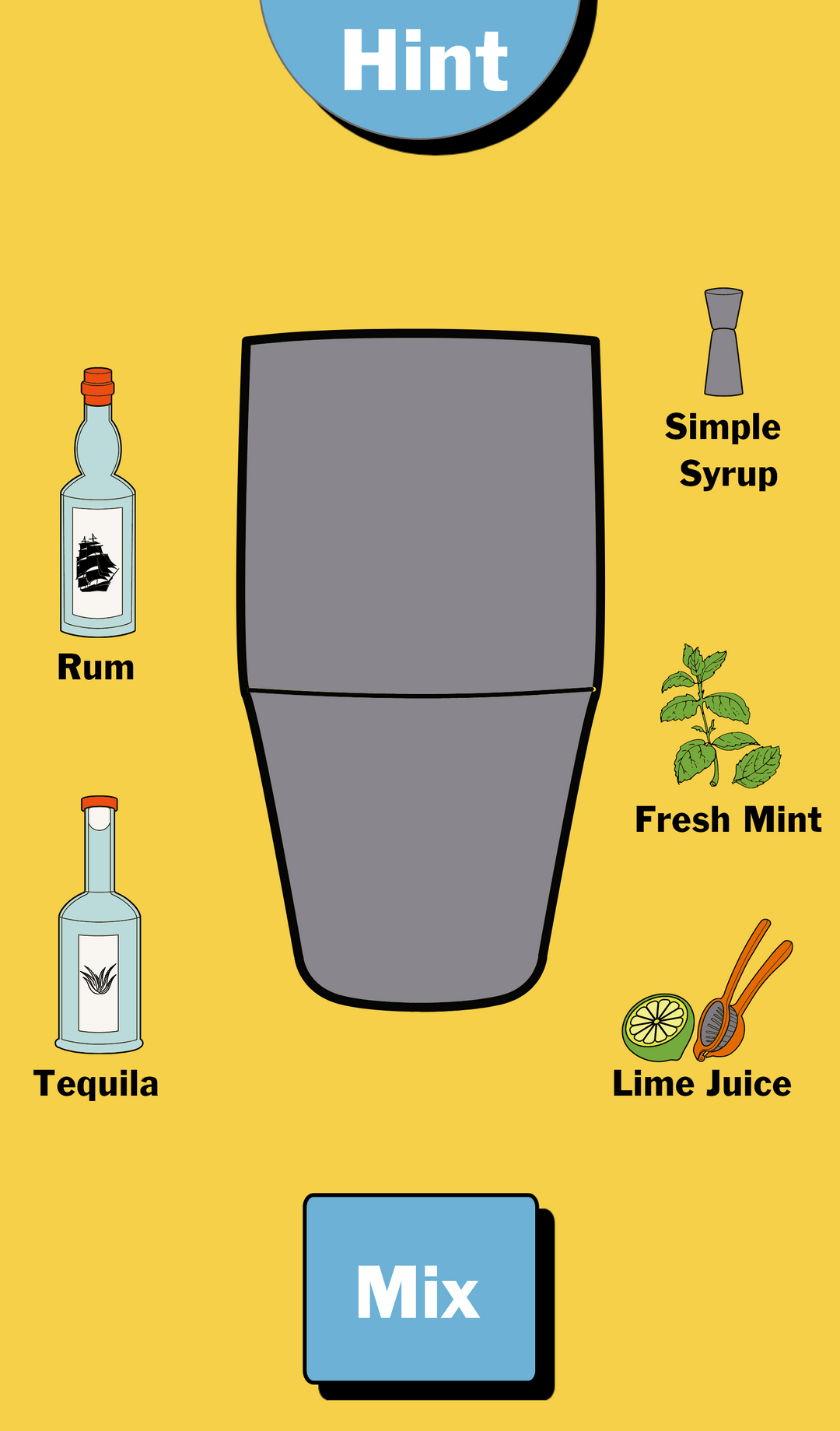
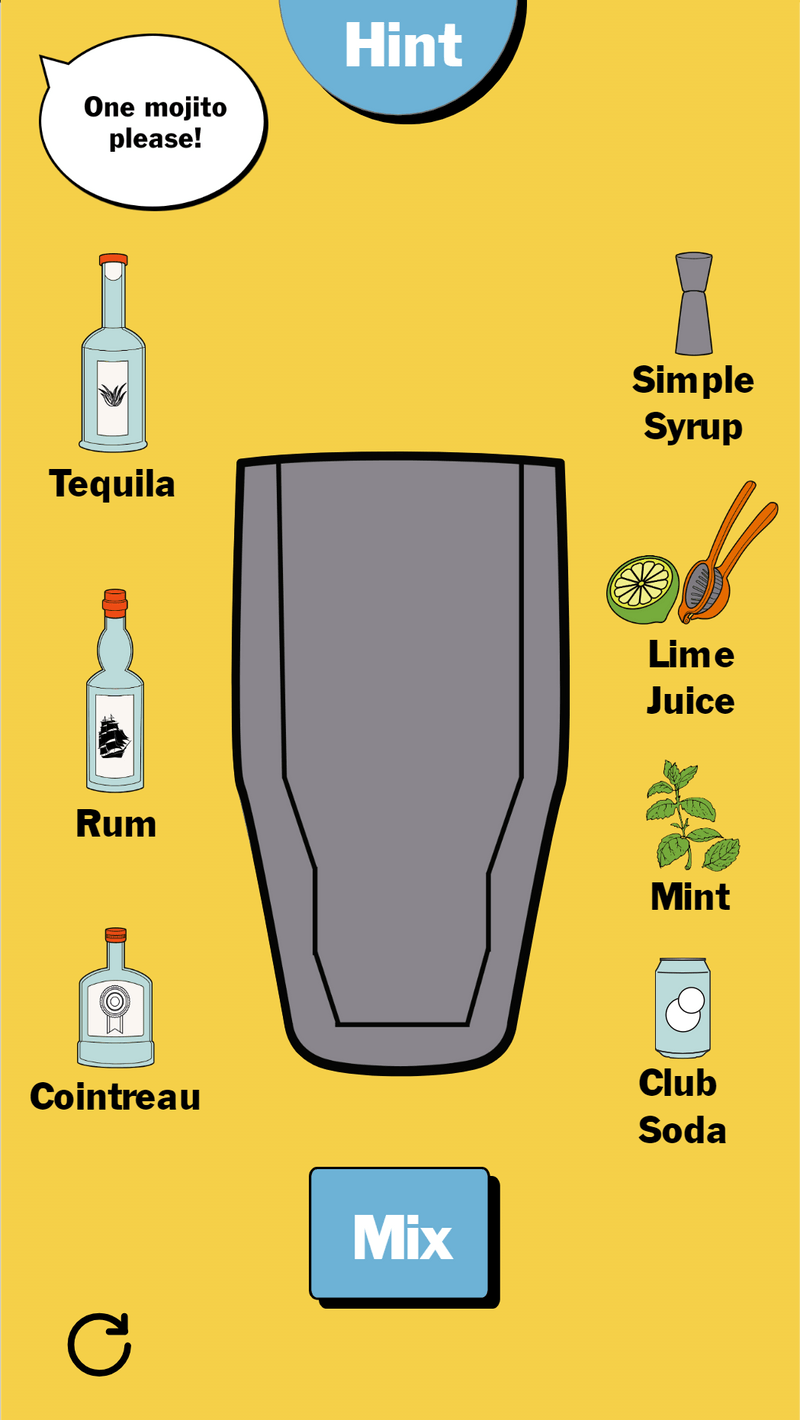
I wanted an immersive scenario that mimicked the learner's work environment. Randomized patrons approach the bar and order each of the three cocktails, and the learner builds them from ingredients on display, much as they would behind a real bar. At the click of a button, learners can open a cheat sheet with the recipe.
03
Visual design
Displaying this much visual information on a mobile screen was a challenge. I created several iterations of the slide that holds the main interaction and revised them based on feedback from my SMEs and professional network.
04
Game logic
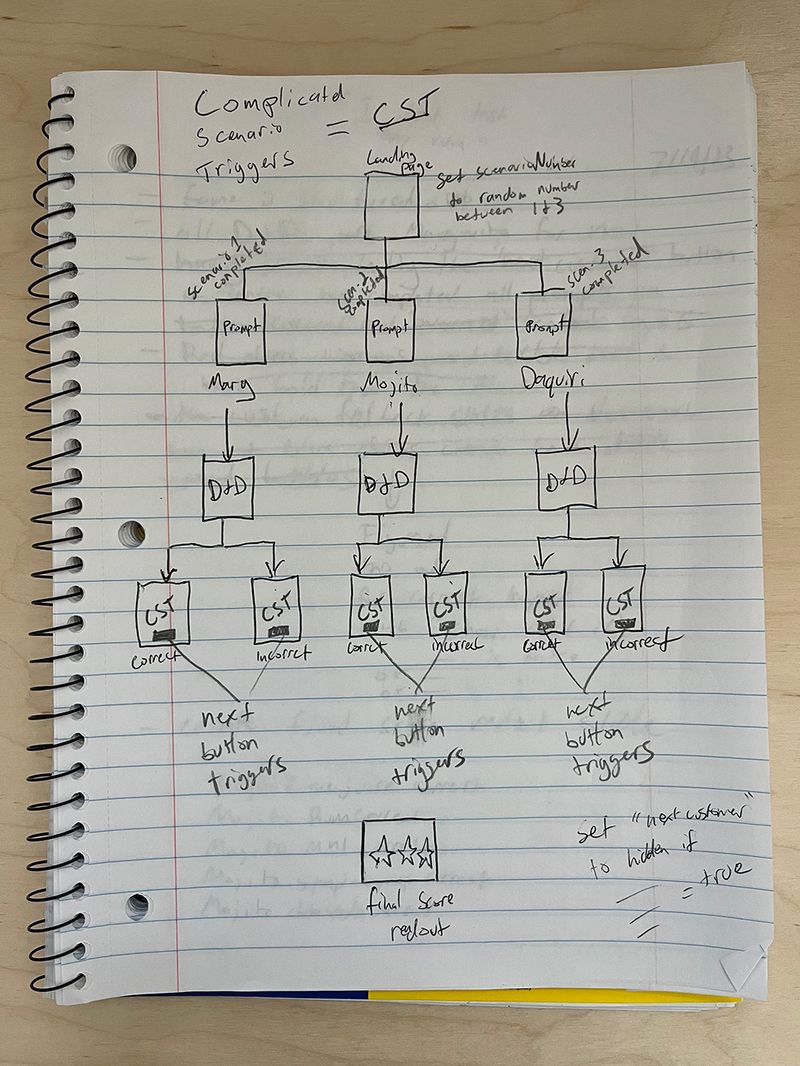
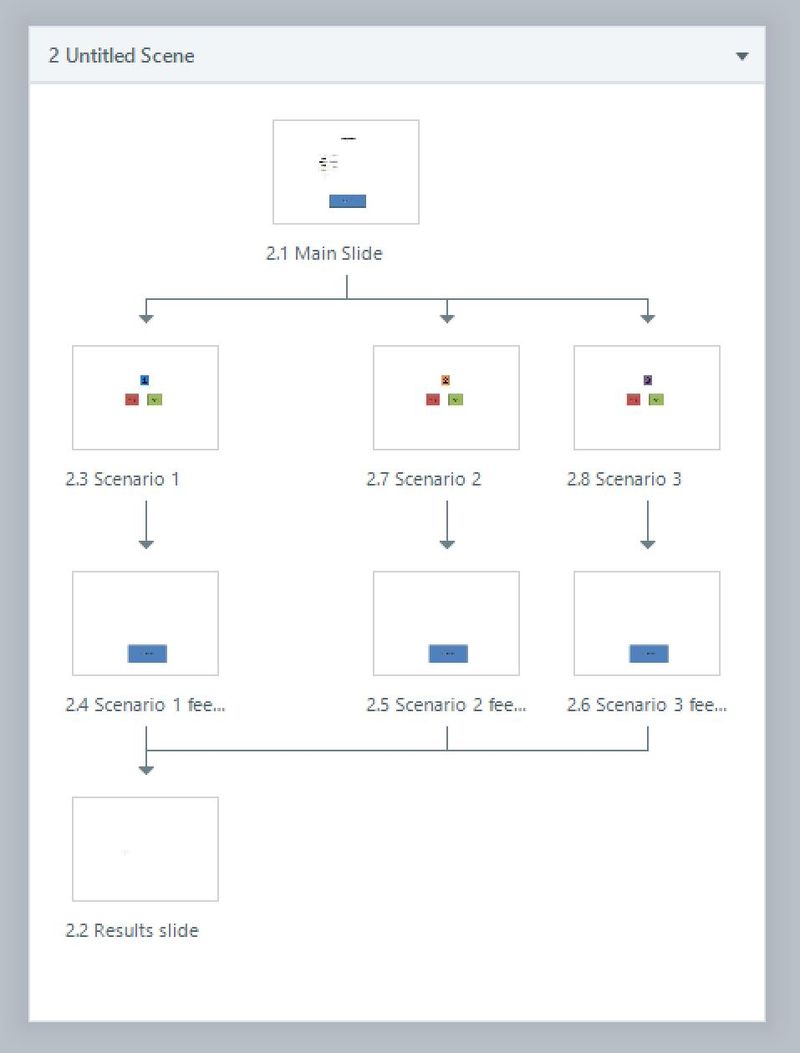
In parallel, I mocked up the game logic on a sheet of notebook paper. Once I had a solid base, I moved it into Storyline, using random number generators, variables and triggers to keep score and shuffle the order of the challenges so the interaction feels more lifelike.
05
Programming challenges
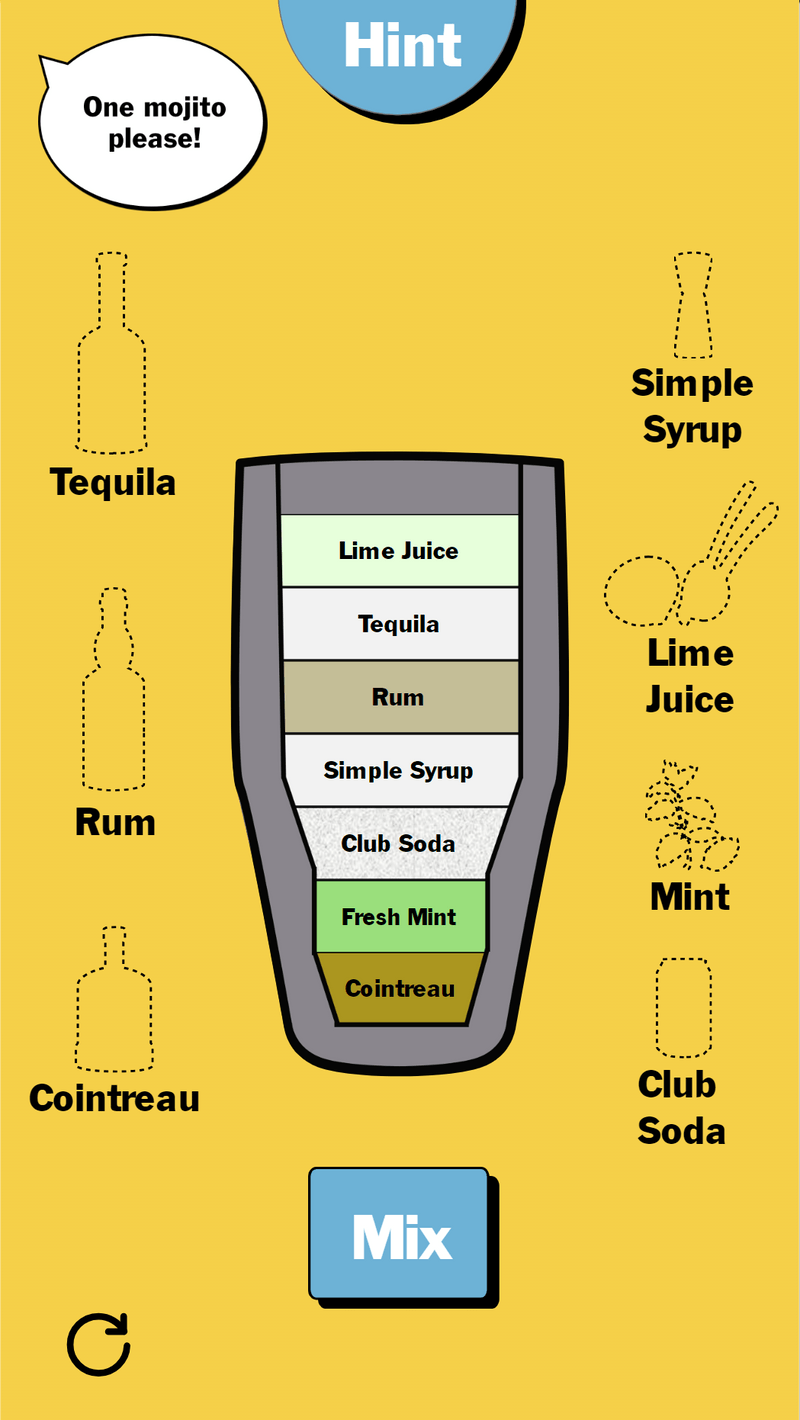
In the first round of feedback, learners asked to see what they had already added to the shaker. The display needed to adapt to the order ingredients were added, so I built it with Storyline's states and layers. I also outlined ingredients that had already been used, to keep learners oriented in the workspace.
06
Final thoughts
With design and programming settled, I built a functional Storyline prototype, made a final round of visual tweaks based on feedback, and published it to AWS. Positive responses from my SMEs and network gave me confidence in creating gamified microlearning.