01
Overview
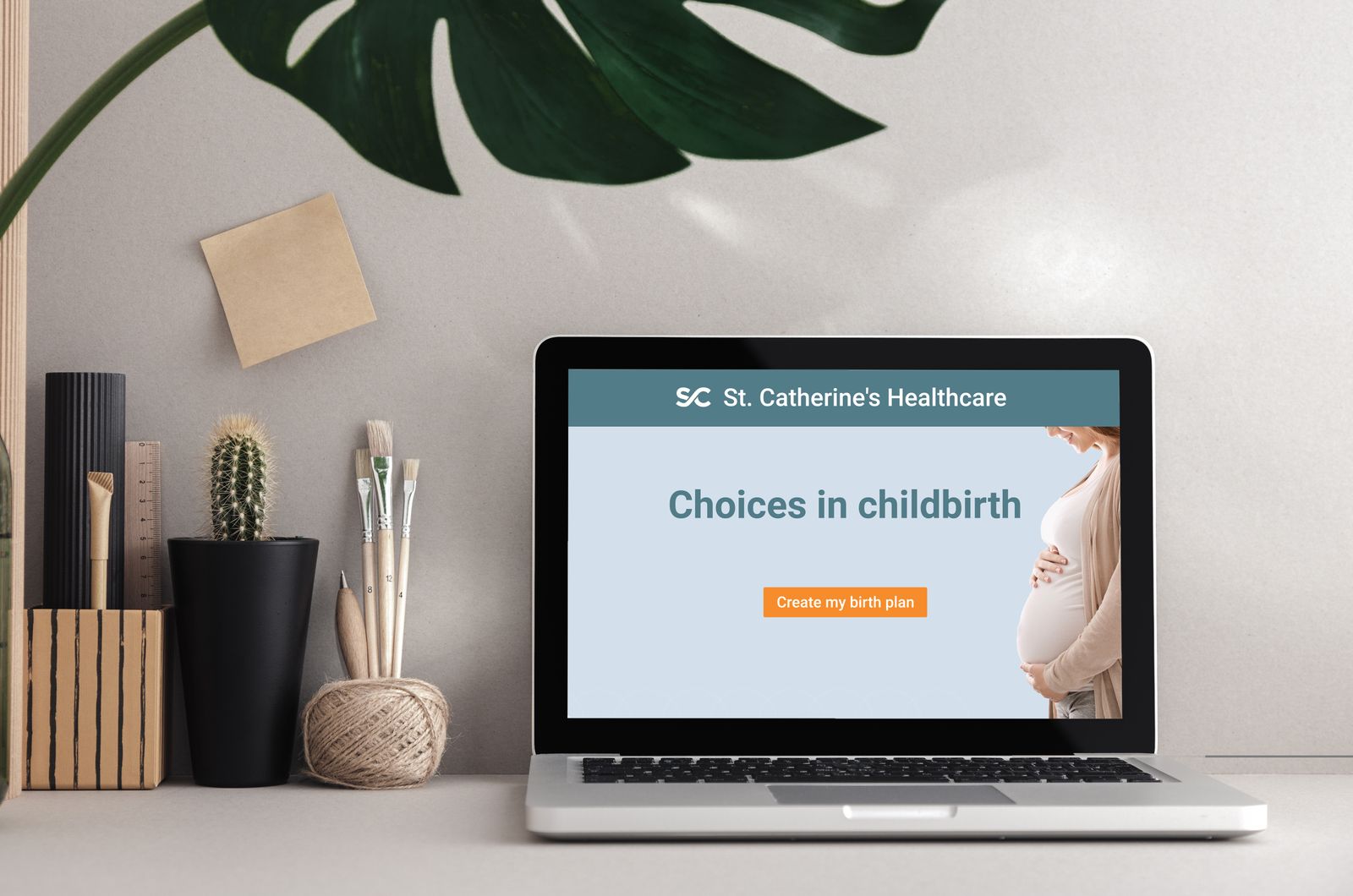
I designed and developed this smart healthcare resource for patients who plan to give birth in a healthcare facility. My aim was to enhance their birthing experience by simplifying the collection of important choices and providing valuable information to aid their decision-making.
I also saw a chance to showcase my proficiency in development, organizing and collecting data, and using JavaScript and xAPI to streamline the data-gathering process.
02
Research and branding
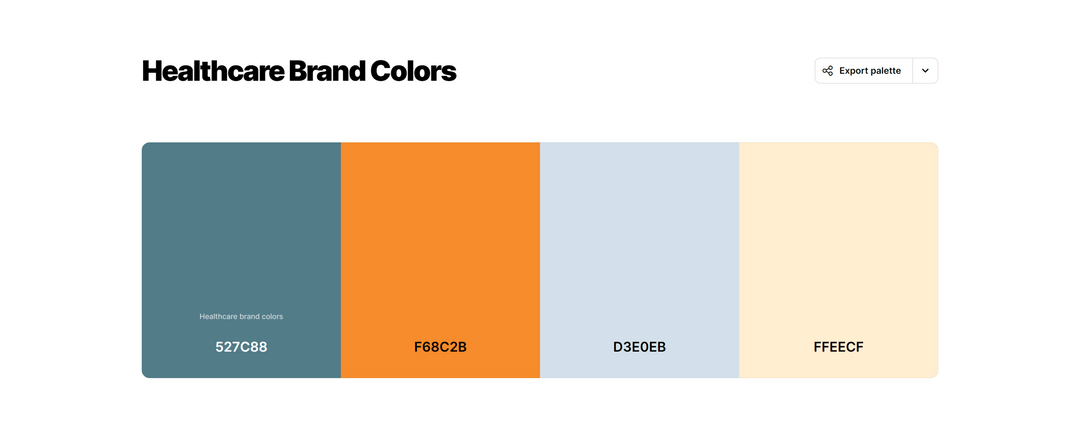
I began by discussing patient and healthcare considerations with SMEs and researching medical websites and resources to create a style guide. From that research I created a fictitious healthcare provider, complete with a logo and branding, and gathered feedback from my SMEs and professional network through several iterations.

03
Visual design iterations
Initially, I chose line drawings for the design. After receiving feedback I opted for a photorealistic approach to impart a more personal feel. I added a progress bar for better orientation, then moved it from the left to the top to establish a clearer visual hierarchy with the other screen elements.
-
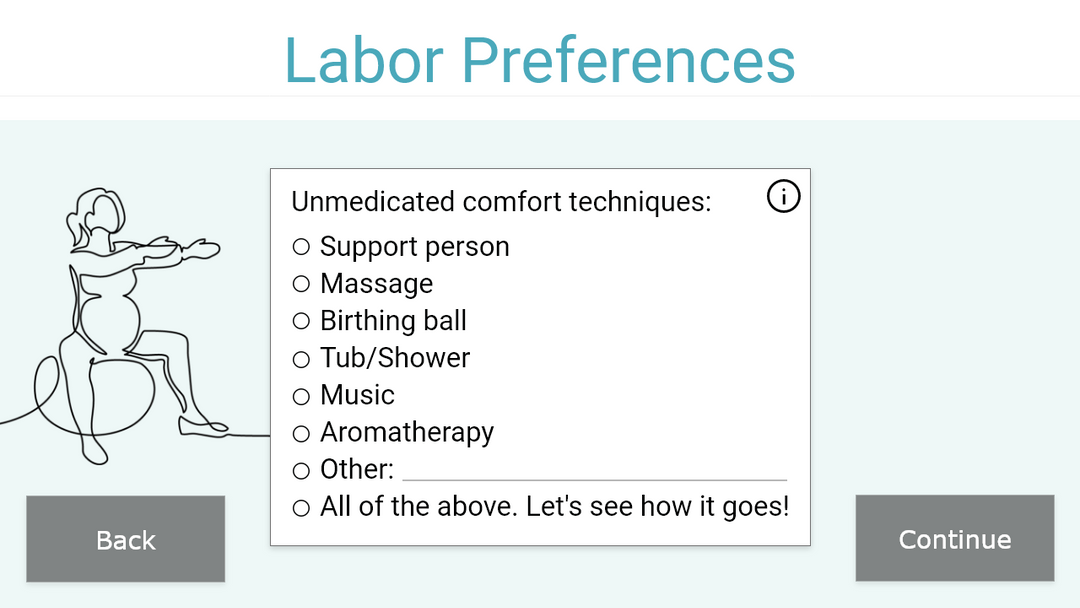
v1
First draft of a choice screen
-
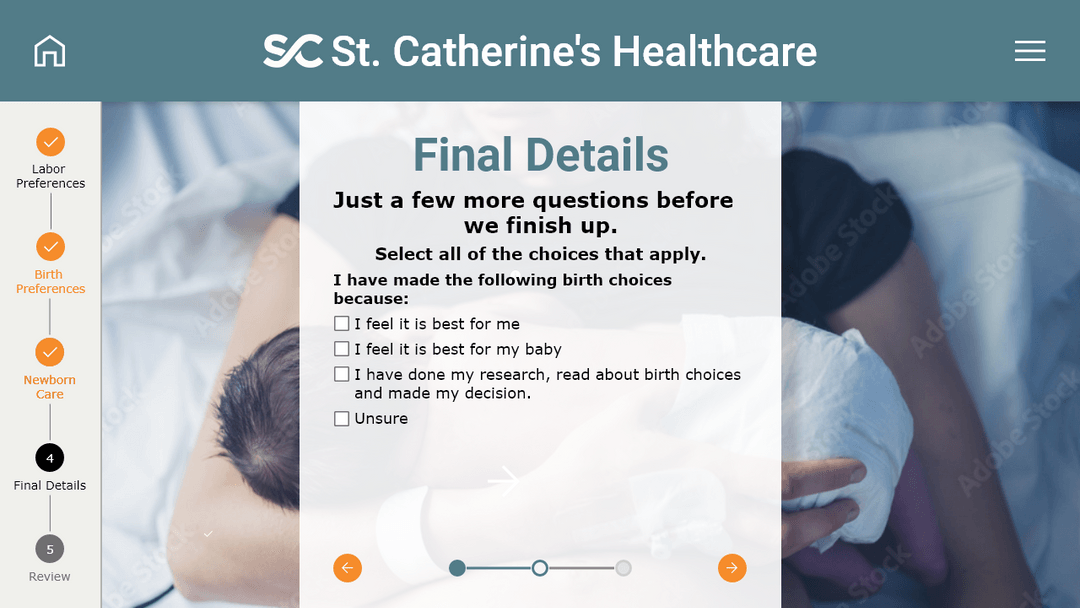
v2
Photorealistic design, progress bar on the left
-
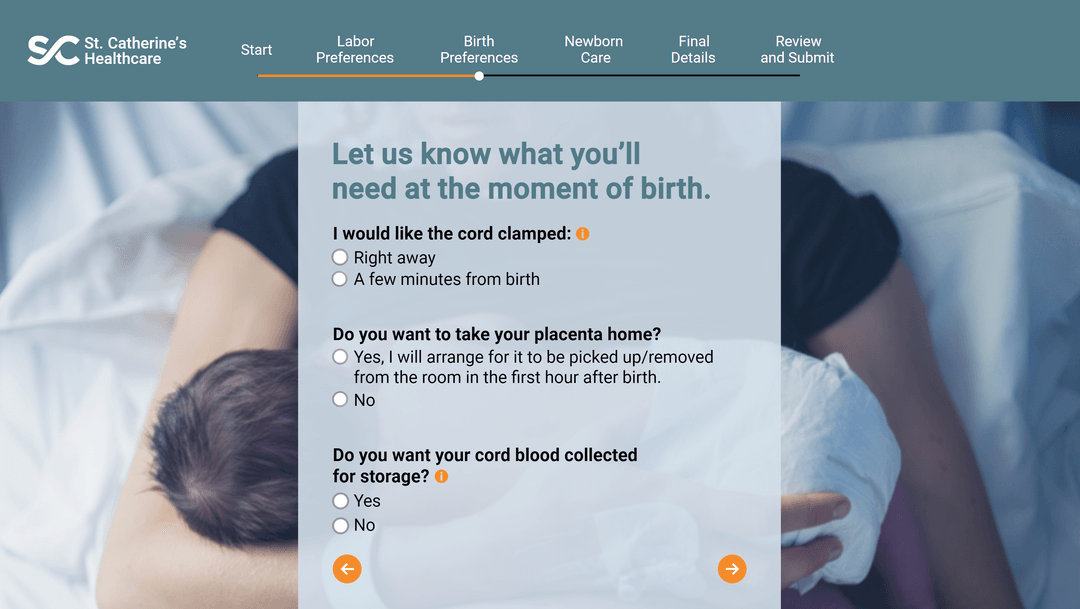
Final
Progress bar moved to the top for a clearer hierarchy
04
Mapping the interaction
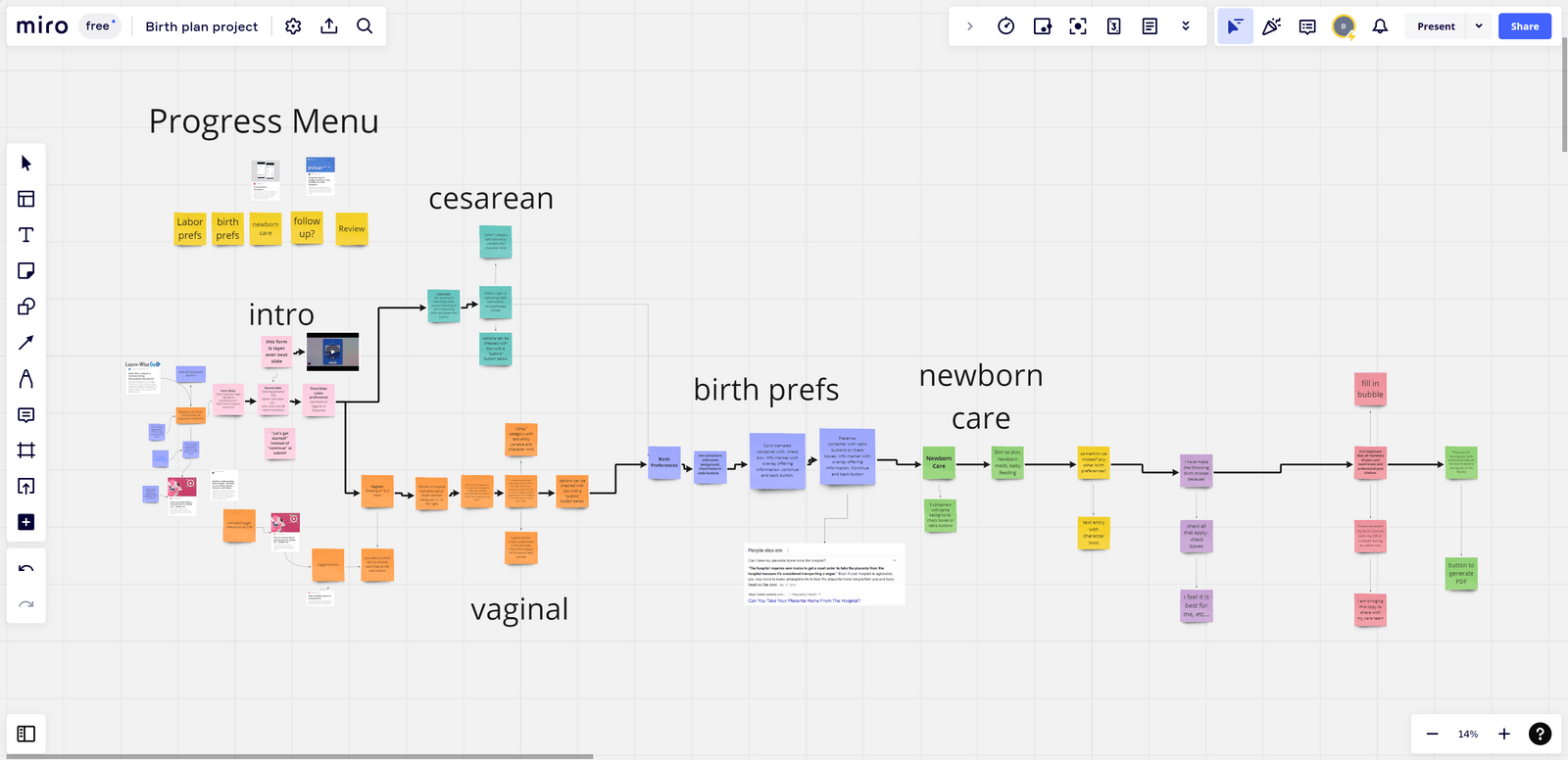
While working on the visual design, I mapped out the project in Miro. A map is essential when a project branches on user choices. The first branch comes when a user selects a vaginal or cesarean birth, which changes the choices presented later on. It gets complex quickly, so tracking every scenario matters.
05
Course authoring
After finalizing the visual design, I brought the project into Storyline to build a minimum viable product to share with stakeholders. The MVP required complex logic using triggers, variables and states to build the radio button and checkbox menus.
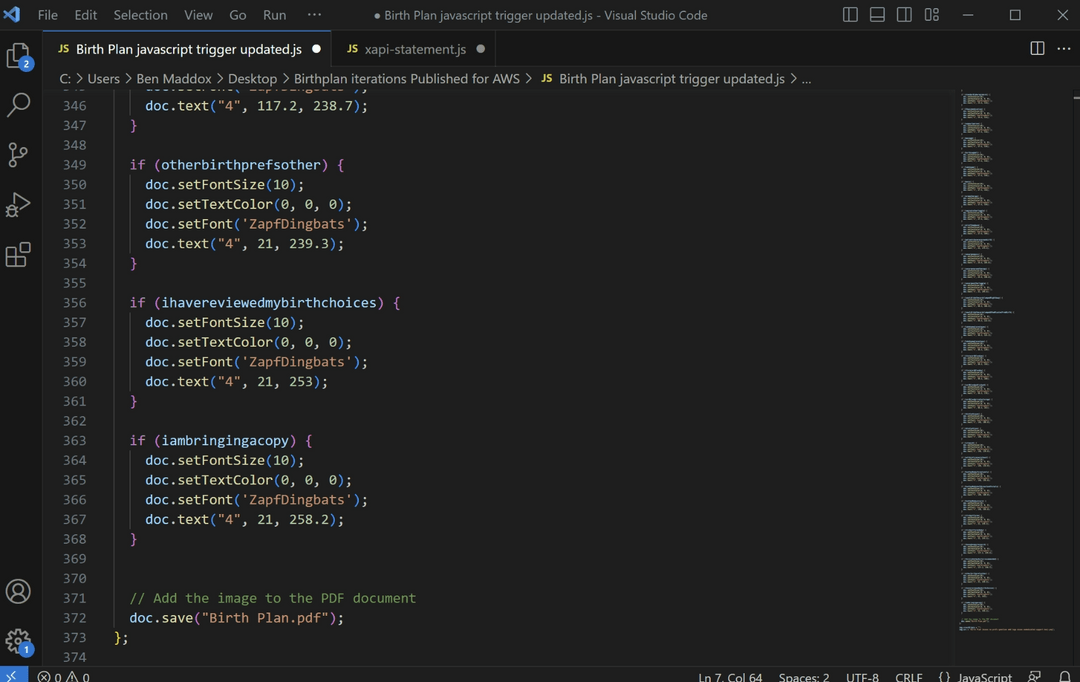
I integrated JavaScript so users can download their choices as a PDF to bring to the hospital on the big day. The Birth Plan also shares those choices with healthcare providers, aligning patient and provider expectations and replacing the hand-written printout.
06
Final development
Once principal development was finished, I added custom xAPI code to connect the resource to a Learning Record Store. Choices like pain management, comfort techniques, feeding preferences and special instructions are recorded and accessible to healthcare providers. Analysis of this data could be used to improve patient care and direct resources efficiently.
07
Takeaways
I focus-grouped this project with several families in our network and received excellent feedback from parents as well as from my SMEs in healthcare. As the parents of three children, my wife and I would have loved to have had this resource in preparation for birth.